Self-adhesive vinyl print
Your design printed on sticker film for walls, windows, vehicles and any smooth surface — permanent or removable, white or clear.
From 22,61 € incl. VAT
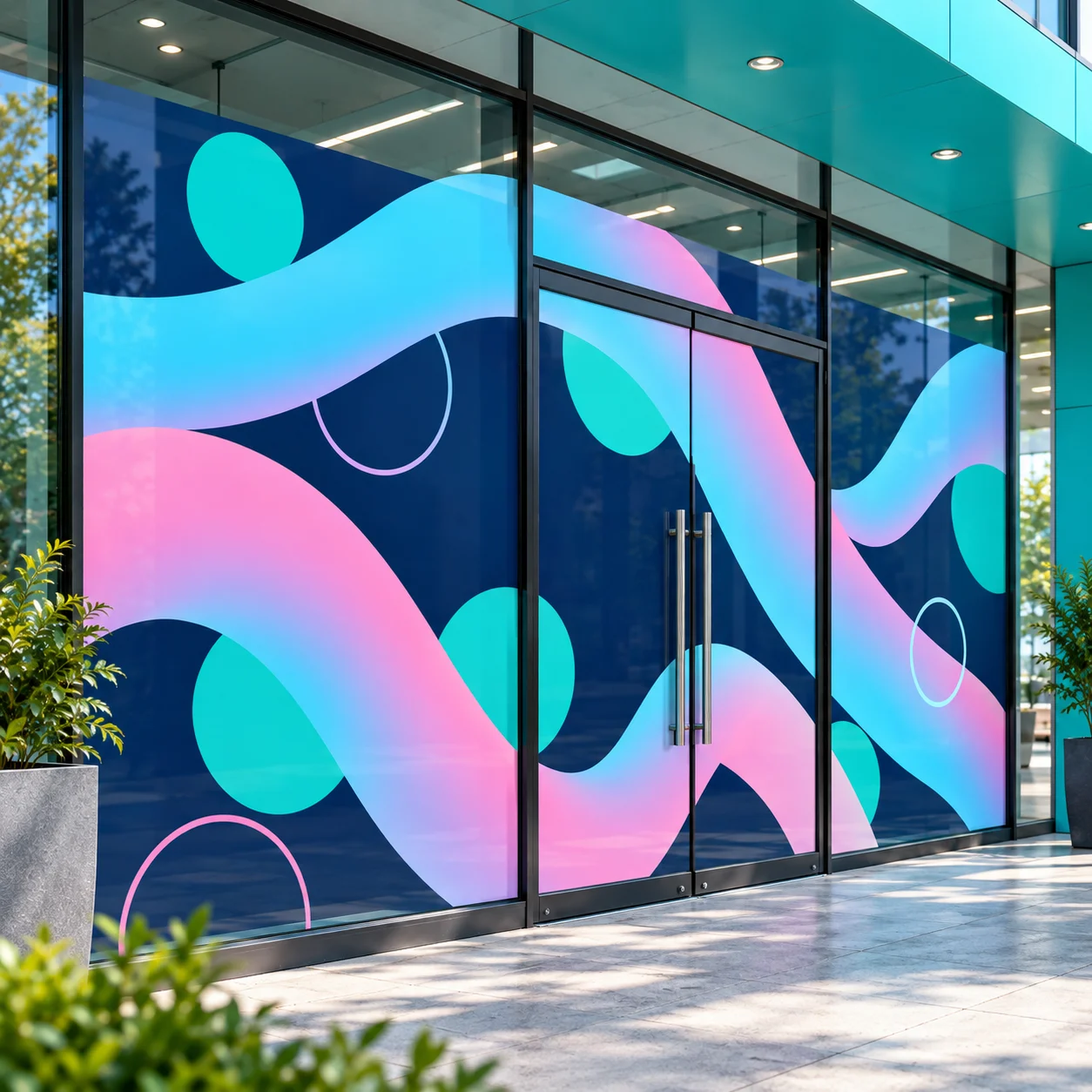
Genuine Orafol ORAJET® film, printed in full colour and cut to any shape you like. Shop windows, walls, vehicles, machines — anywhere flat and smooth. Choose white or see-through, and whether it stays for years or peels away cleanly when the season is over. Add an ORAGUARD® laminate and it shrugs off sun, rain and scrubbing.
Materials
- ORAJET® 3164XG — White, permanent
- ORAJET® 3551G — Transparent, permanent
- ORAJET® 3162G — White, removable
- ORAJET® 3162G — Transparent, removable
Specifications
- Films
- Orafol ORAJET® 3164XG (white, permanent) · 3551G (clear, permanent) · 3162G (white or clear, removable)
- Adhesive
- Permanent — stays for years · Removable — peels off cleanly later, no residue
- Finish
- White (solid, colours look the same on any surface) or transparent (see-through) · gloss surface
- Largest single piece
- 148 cm on the short side — wider prints are joined from panels, digital proof first
- Smallest size
- 10 × 10 cm
- Cut
- Rectangle, or contour-cut around your design (needs the cut line as a vector path — see the print template)
- Protection
- Optional ORAGUARD® 215G gloss or 215M matt laminate — against sun, scratches and cleaning; recommended outdoors and on glass
- Eco-solvent / latex inks, CMYK, up to 1440 dpi
- Production
- 2–7 working days after your artwork is approved; delivery time on top
Questions
Should it stay put, or come off again?
Choose "comes off again" if it is going up for a season or two — a promotion, an event, a rented window — because it lifts off without leaving glue behind. Choose "stays put" for anything meant to last. Both hold firmly; the difference is only how they behave when you remove them.
White or clear?
White is solid, so your colours look the same on any surface — the usual choice for walls and panels. Clear lets the surface show through, which is what you want on a shop window you still need to see out of.
What is a contour cut?
Normally your design is printed on a rectangle. A contour cut follows the outline instead — around a logo, a letter, a shape — so there is no visible border. If you choose it, your file needs the cut line drawn as a separate outline; the print template shows how.
Do I need application tape and weeding?
With a contour cut, almost always. Weeding means we remove the spare film around your shapes so you do not have to. Application tape keeps everything in position while you put it up — without it, a word cut into separate letters has to be applied one letter at a time.
Do I need the protective layer?
Add it if the print will be outdoors, cleaned regularly, or within reach of hands. It protects against sun and scratching. Gloss keeps colours punchy; matt avoids reflections under spotlights or in photographs.
What if my design is wider than 148 cm?
148 cm is the width of our roll. If both sides of your design are larger than that, we print it in panels and send you a digital proof to approve before anything is produced.
Which file should I send?
PDF, AI, EPS or SVG are best, with 3 mm bleed all round and fonts outlined or embedded. JPG and PNG work too at 100 dpi or more at the final size. For a contour cut, draw the cut line as its own vector path — the print template in Downloads shows how. Not sure your file is ready? Add the file check and we look at it before printing.
Can I get the price before I have a file?
Yes. Enter the size, pick the film and finish, and the price is live. You can add to cart or ask for a PDF quote right away and send the file afterwards — production starts once we have it. If the print has to be split into panels, we agree a digital proof with you first.
I have several designs — do I order them one by one?
No. Each file you upload becomes its own job ticket with its own size, film, cut and protection, and they all go into one cart together.
Prices and guides
- What does Self-adhesive vinyl print cost?
- How long does vehicle lettering last?
- Which film for the shop window?
- Are printed stickers weatherproof?
- Cut vinyl lettering or printed vinyl?
- Setting up print files: format, resolution, colours, cut lines